Designing the new start page for SharePoint
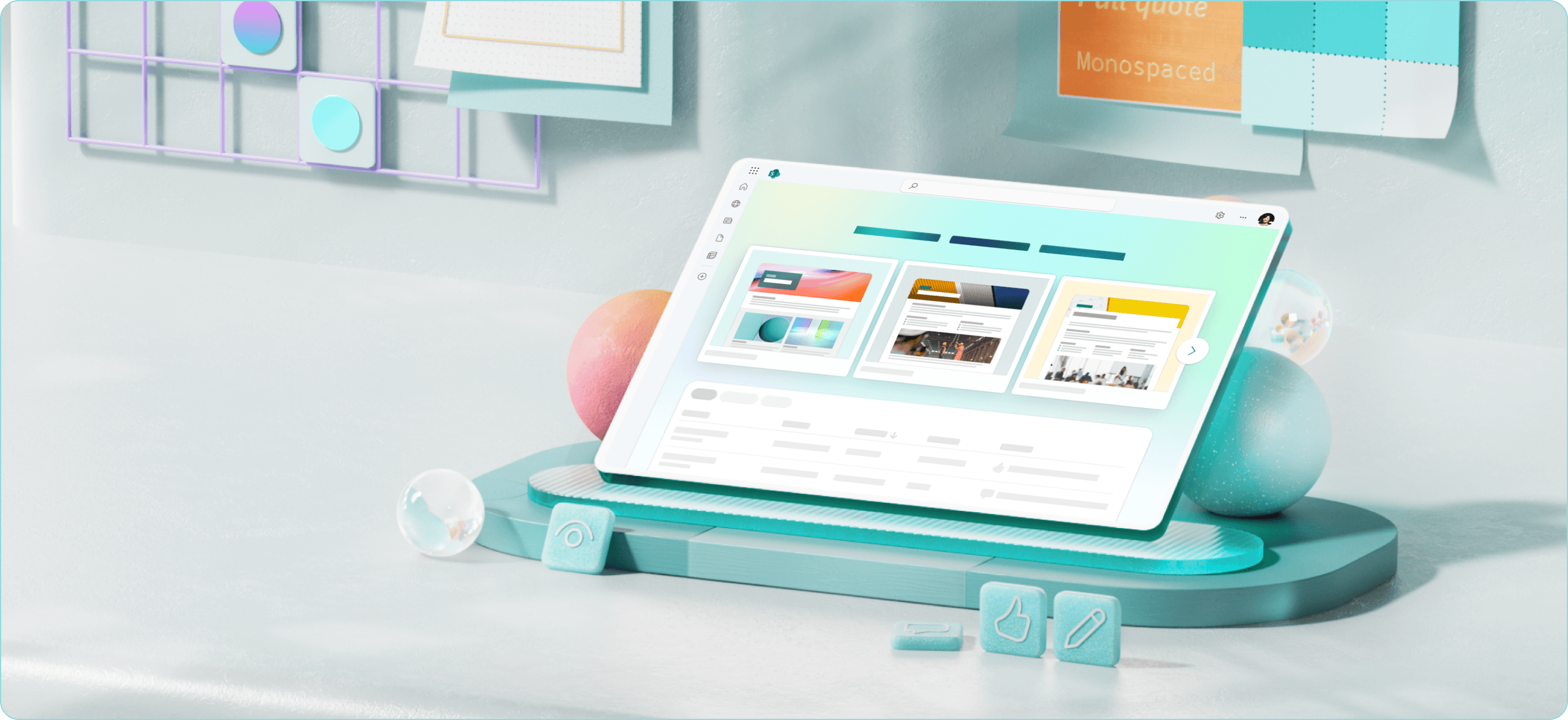
SharePoint is the world’s largest enterprise content platform, used by tens of millions to manage documents, collaborate on projects, and share information. Despite it’s tremendous usage, SharePoint has remained largely the same since 2016 with only a fraction of users actually creating content. My team was responsible for reimagining SharePoint’s start page - the front door to the product.
BUSINESS CHALLENGE
How might we increase the number of users creating content on the start page?
There are
22 Million
monthly active users on the start page for SharePoint
Only
1%
of these users were creating pages on SharePoint
USER RESEARCH
We gathered feedback from 600+ SharePoint users to understand their hurdle to creating content
We conducted an offline survey of 600+ SharePoint users, and in depth 1:1 interviews with 12 users to gain some insights into what users thought of creating content on SharePoint, and why so few were actually creating.
Unaddressed user jobs
Core JTBDs related to creating content on SharePoint were not catered to, ultimately forcing users to find workarounds to achieve a task
Create & publish content

Manage & track content
Drive distribution & engagement
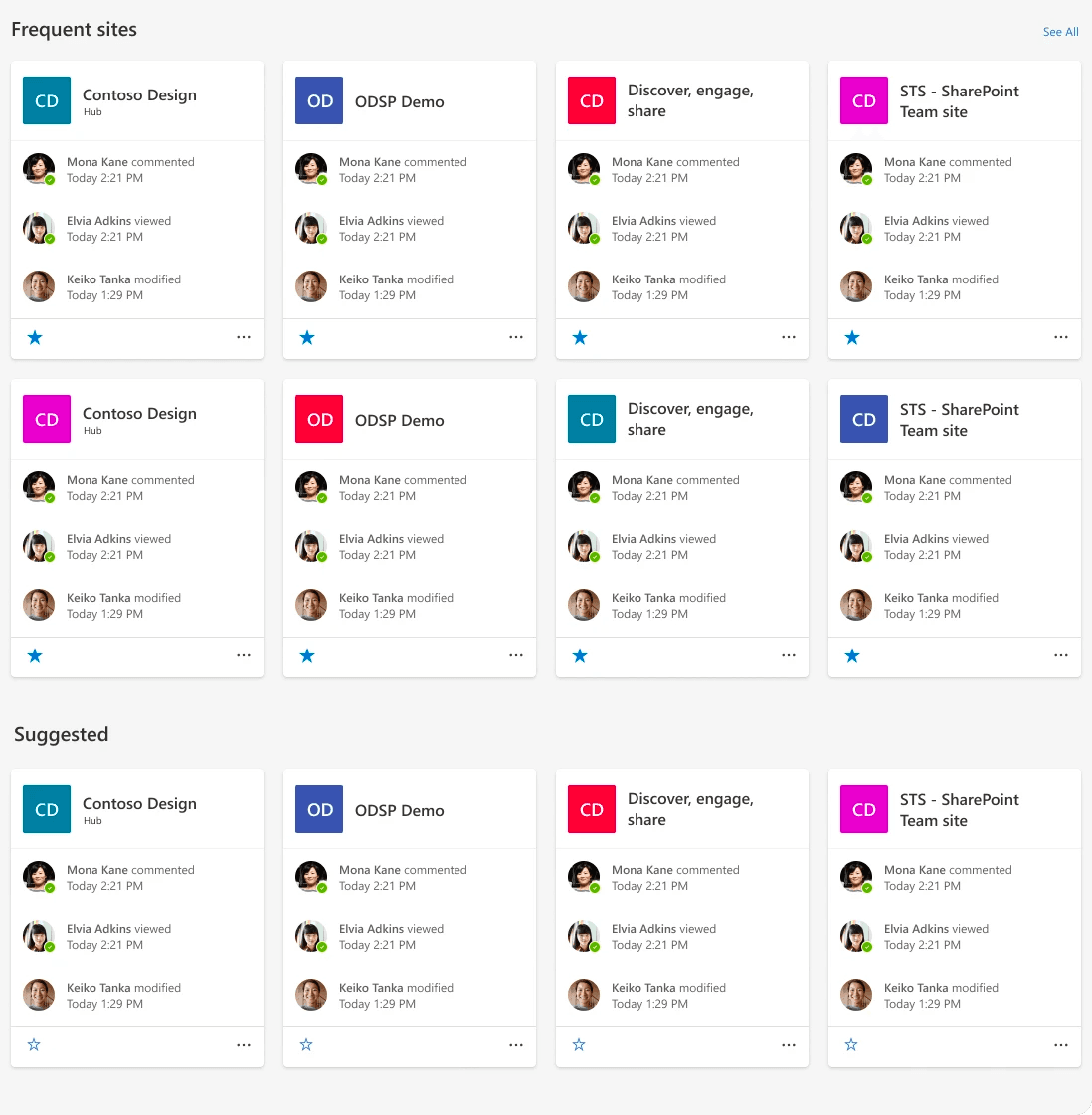
Centered around navigation
The old start page primarily served to help users navigate their organisation's sites
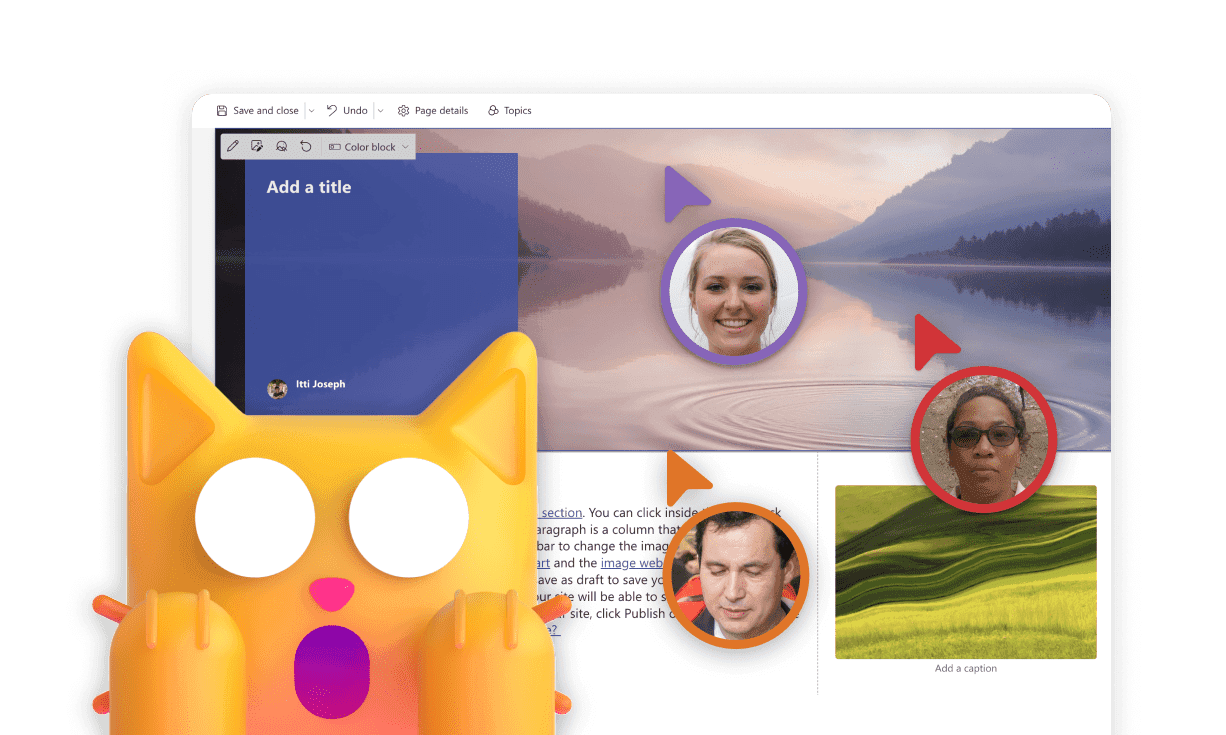
Concerns about visibility
Users felt that other site members would have access to their WIP drafts
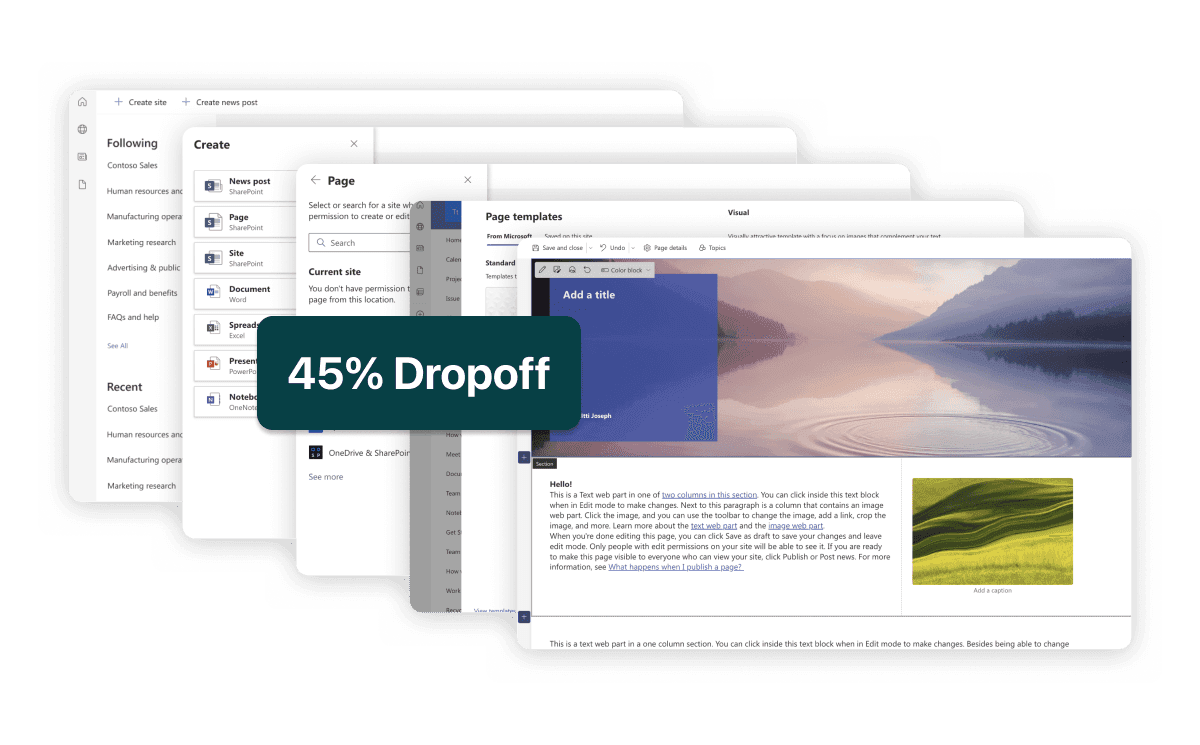
Long creation flow -> higher dropoff
Multiple steps + no good starting point in the form of templates impacted task completion
No way to get back to their drafts
No singular global place where users could go back to all their content across sites

Solution overview
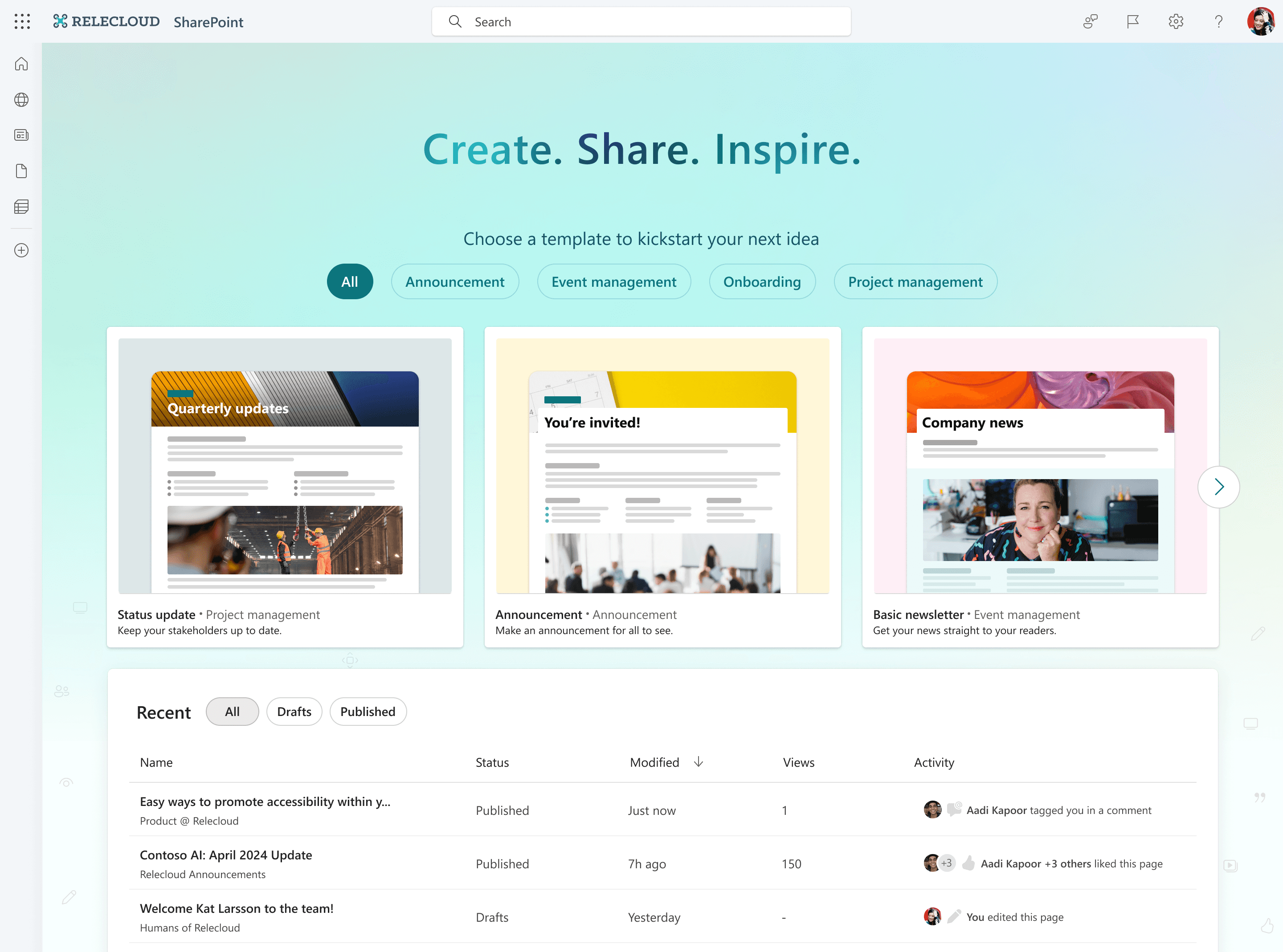
As of Q2 2024, Phase 1 of the new start page has been shipped to internal dogfood and will be reaching customers by the end of the quarter. Hover over areas of the screen to learn more about it's salient features.
Old
New
FEEDBACK
How we're collecting feedback from our users 📢
Defining
Telemetry
to measure user adoption and retention of the new experience
CSAT Form
is shown to users after creating their first page to measure overall satisfaction with the new creation flow
Opt-out Form
Is shown to users opting out of the new experience to collect feedback on why they prefferred the old experience
Conducting
User Testing
sessions to validate and collect some qualitative feedback directly from customers
IMPACT
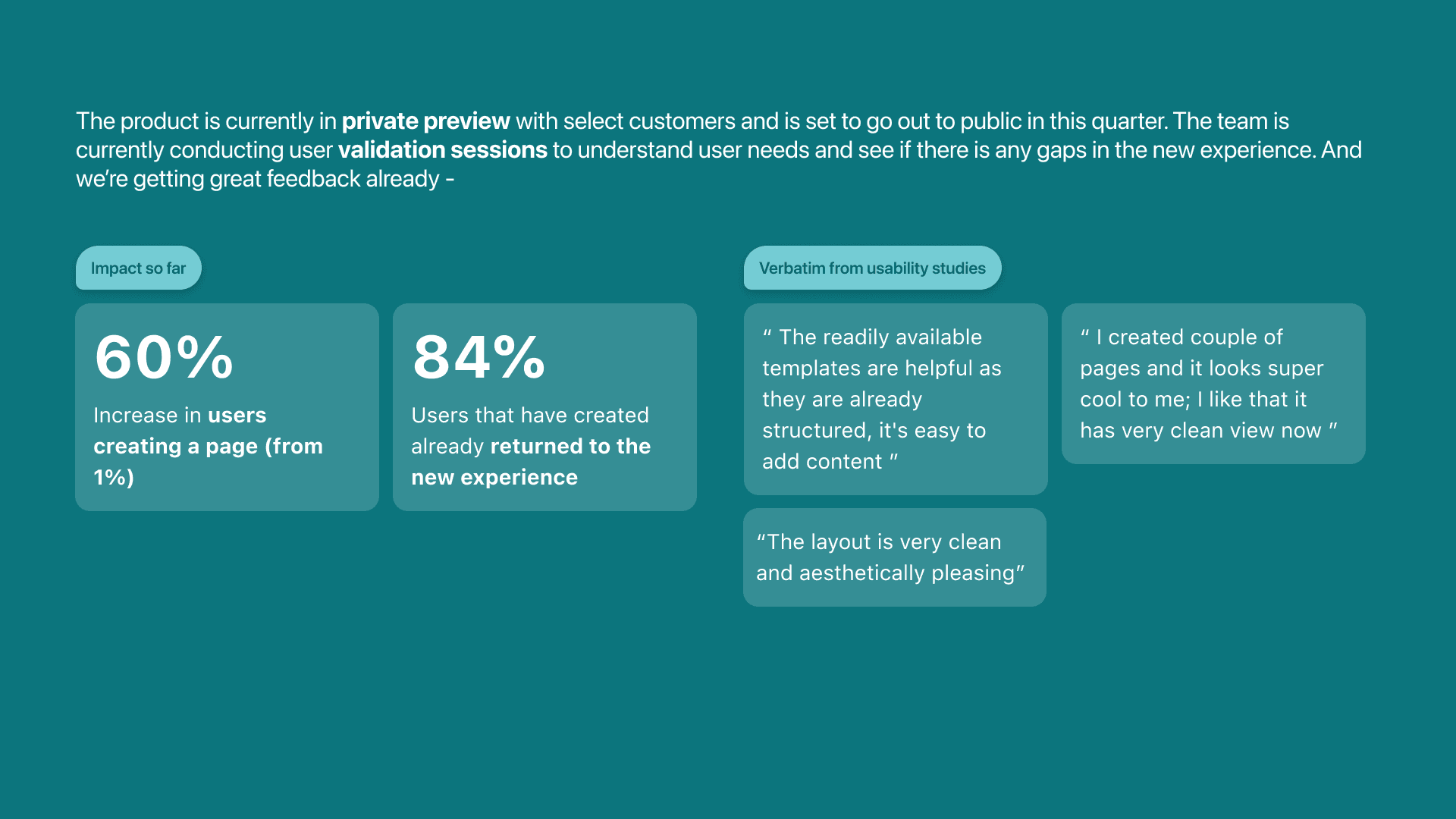
What we're hearing so far