Designing the annotation and collaboration experience for OneDrive
PLATFORM
Desktop
TEAM
Solo Designer, 1 Product Manager, 3 Engineers
TIMELINE
Jan - June '24
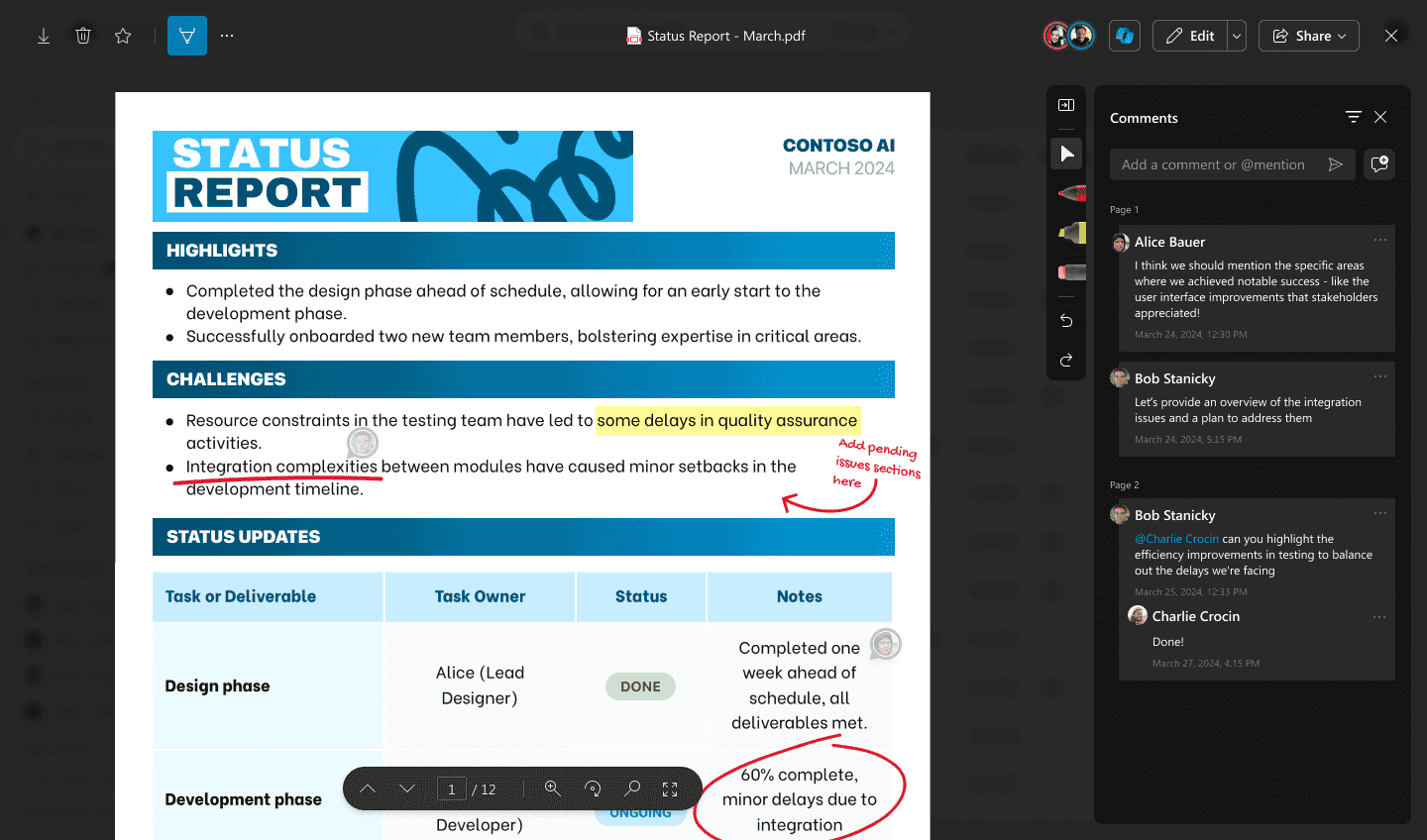
Annotations refer to comments, notes, or explanations added to a text, document, or any other media to provide additional context or metadata. I worked as the sole designer to build an annotation and commenting experience on 350+ file types across Microsoft OneDrive, Teams and SharePoint.
Overview
Reviewing and capturing notes on sensitive documents is harder than it should be. Markups get lost in email threads, teams end up annotating unmanaged copies, and IT loses control over policy and audit history. Universal Annotations brings annotation into the Microsoft 365 viewer - so people can collaborate across OneDrive, Teams, and SharePoint without editing the file itself, while maintaining data integrity.
Universal Annotations for Microsoft 365
A non-destructive annotation layer on top of any file in the Microsoft 365 viewer - so people can mark up, take notes, and collaborate without editing the source file.
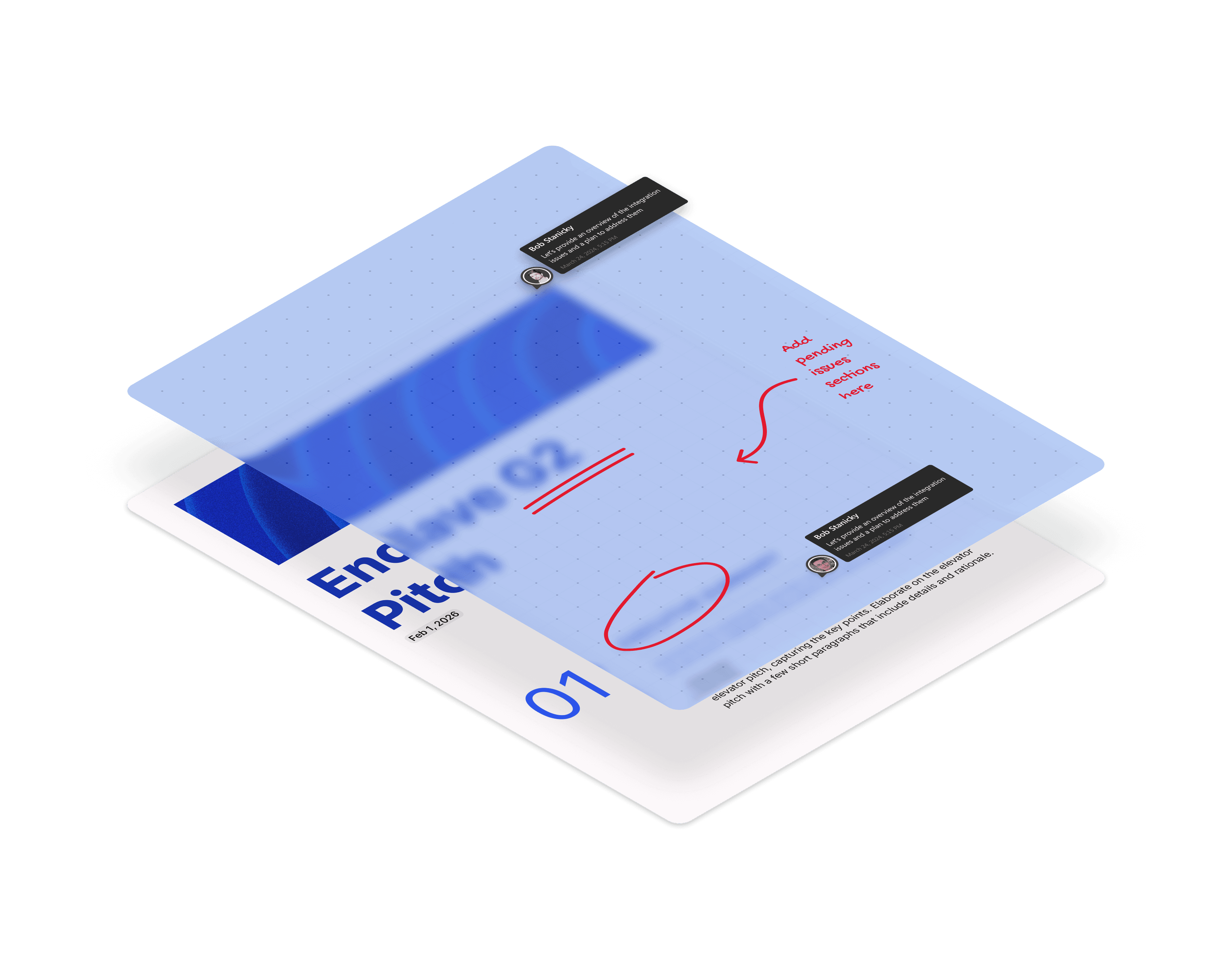
More control over your annotations
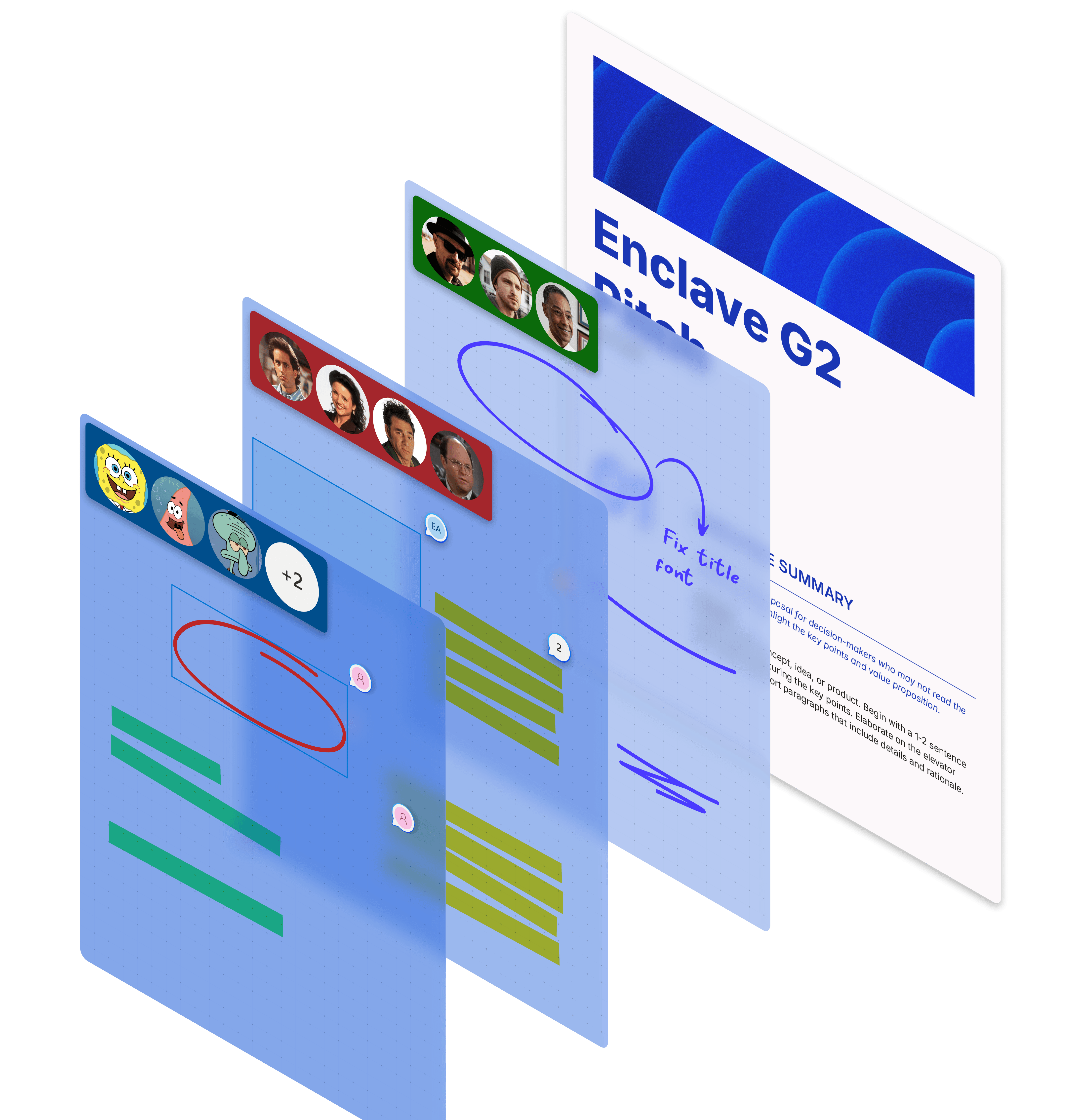
Share annotations with permission-based visibility to different teams, or download the file with
or without annotations.
A complete annotation toolkit
From quick markups to sensitive redactions, it supports the full review loop - draw, highlight, redact, and comment in one place.

Contextual actions exactly where you need
Contextual actions appear right where you’re working - so you can comment, refine, or resolve in seconds.